Orange studio
10 seconds · 1268 × 728 · Template audio
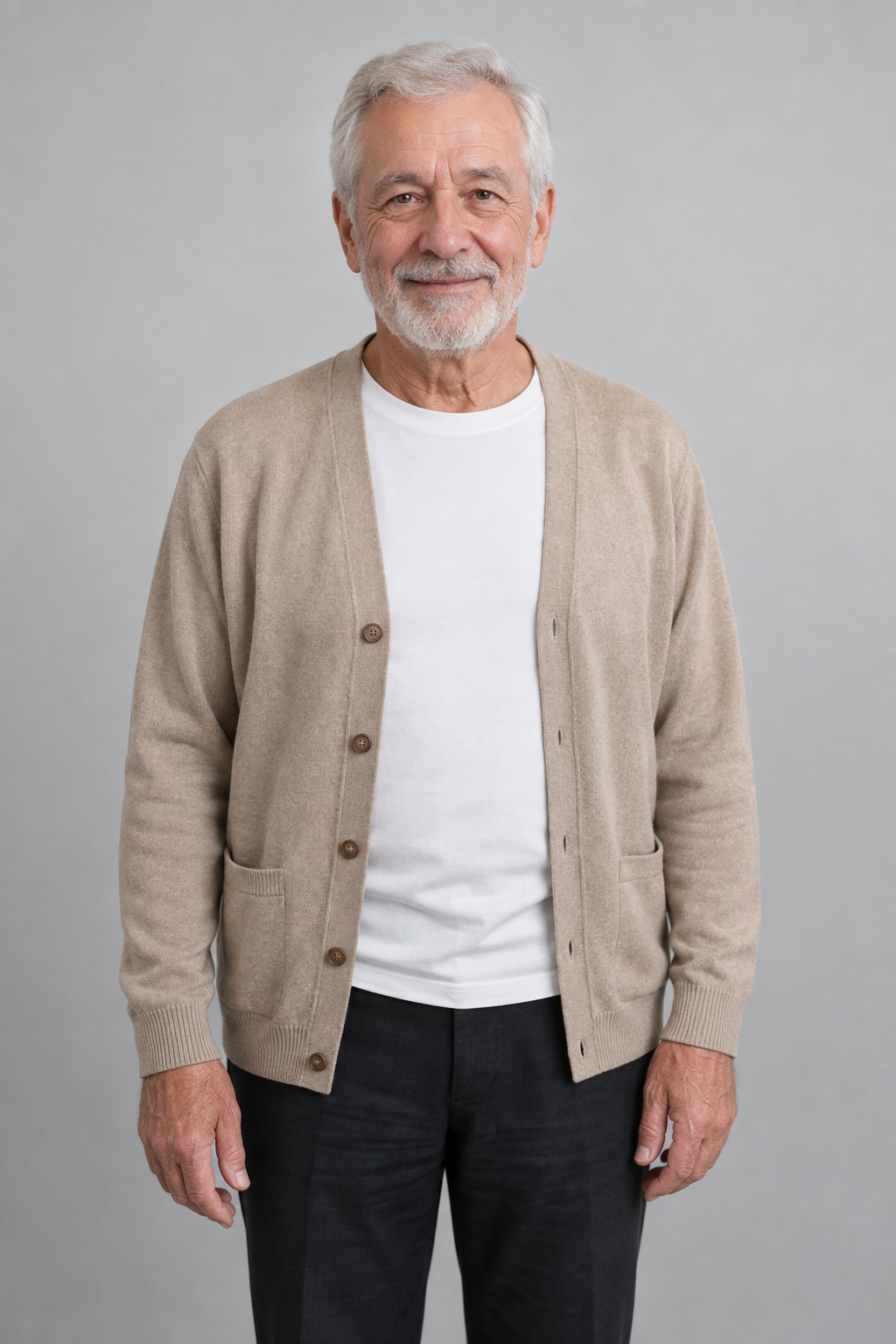
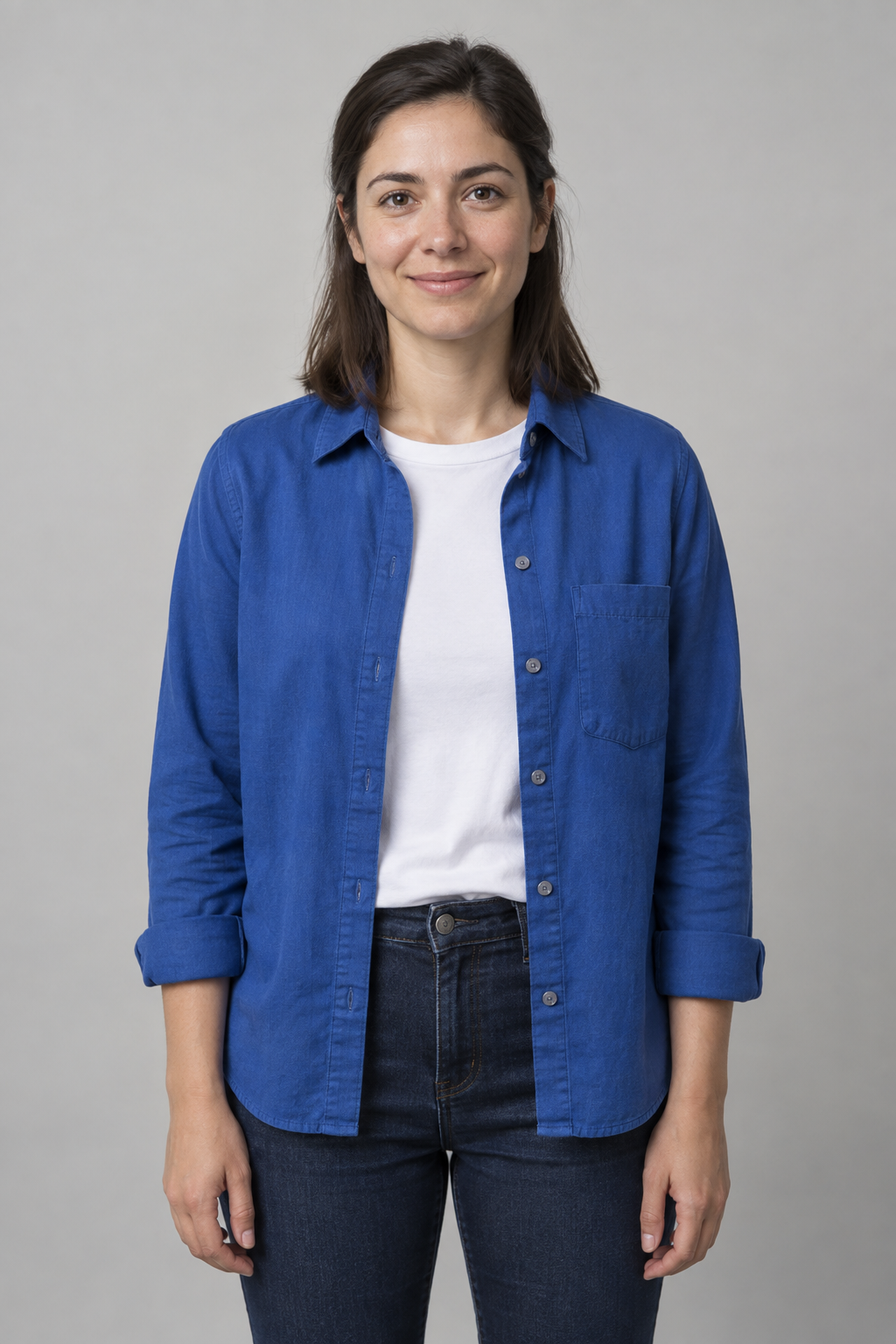
The elderly man stays on the left and the woman on the right in the sampled frames. The camera pulls back from a medium shot to a full-body view.
Upload two photos to replace the left and right performers. The default is a 16:9 orange-yellow studio with a hanging microphone. Choose a scene and create a 10 or 15-second video with the template soundtrack. No prompt required.
A photo layout, not a generated result. Photos stay in this browser until you generate.
Checks estimate brightness, resolution and detail; please check faces yourself.
Each example shows its two input portraits and the generated 10-second video. Compare character replacement in the orange studio and neon stage. Both videos include the template soundtrack; likeness and motion can vary between generations.
10 seconds · 1268 × 728 · Template audio
The elderly man stays on the left and the woman on the right in the sampled frames. The camera pulls back from a medium shot to a full-body view.
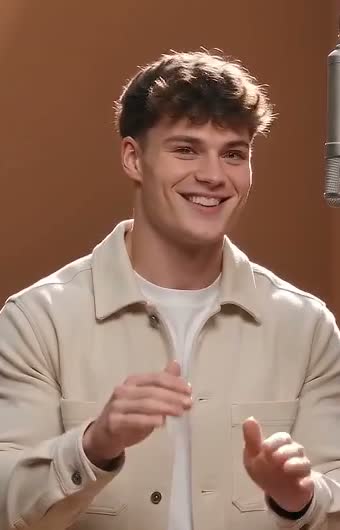
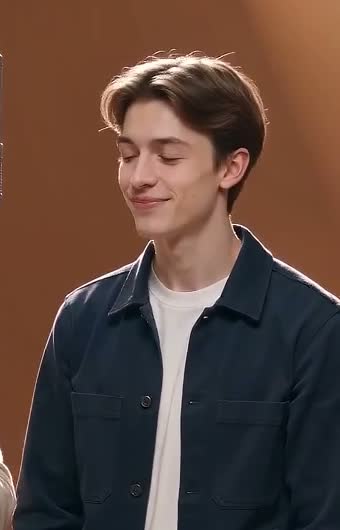
10 seconds · 1268 × 728 · Template audio
The two portraits appear against the purple-blue stage. Some hand gestures differ from the source performance.
Both examples requested 16:9 at 720p. The dimensions shown are the actual model outputs; pixel dimensions may differ slightly from the selected format.
Photo 1 is the performer who starts on the left; Photo 2 is the performer who starts on the right. Choose an orange studio, neon stage, city rooftop or hotel lobby. Each scene includes its own lighting, setting and hanging microphone.
The free preview shows photo positions and a scene illustration. It does not predict the generated likeness, motion or final background detail.
One person per photo. Check the free layout preview and swap their positions if needed.
Choose the orange studio or another scene, then 10 or 15 seconds. The default format is landscape 16:9; vertical 9:16 and classic 4:3 are also available. Scene themes have the same credit cost.
Sign in to generate, then save your MP4 from the result or My creations.
Use well-lit, front-facing portraits with visible facial details. Keep hats, hands and hair from covering the face. Avoid extreme crops, filters and several people in one image. Only animate photos you have permission to use.
The Hotel Lobby AI trend turns two portraits into a two-person rap performance. Upload one photo for each performer and choose a scene. The default is an orange-yellow studio with a hanging microphone.
Yes. The layout preview and basic photo checks run in your browser. They do not generate video or upload your photos. Sign in and use credits when you choose Generate.
A 10-second video costs 24 credits; a 15-second video costs 36 credits. All three formats output 720p and preserve the template soundtrack. Credits are reserved on submission and returned if video generation fails.
No. Upload one photo for each performer, confirm their positions, then choose a scene, duration and format. The model replaces both people and the background in one edit. Exact likeness, gestures and lip sync can vary.
Choose one clearly visible person per image, ideally a front-facing portrait with even light and at least 512 pixels on each side. Avoid sunglasses, heavy blur and crowded group shots. Automatic checks estimate overall light and detail; they do not detect faces or guarantee likeness.
Yes. Your video includes the template soundtrack. Choose a 10 or 15-second video; you do not need to upload audio. Custom music and voice uploads are not available in this template.
Your completed MP4 appears here and in My creations. You can close the page while it generates. The default is landscape 16:9. Choose vertical 9:16 for TikTok, Reels and Shorts, or the classic 4:3 format.
Explore AI video templates → · Image to video · Seedance 2.0